Blog
Building Production Kubernetes Clusters with RKE2 and Longhorn
RKE2 & Longhorn Production Setup

On this page
Step-by-Step Guide: Building a Production Kubernetes Cluster with Rancher RKE2 & Longhorn
Step 1: Install RKE2
- Download the RKE2 installer from the official Rancher website.
- Run
curl -sfL https://get.rke2.io | sh -on each node. - Start the RKE2 service:
systemctl enable rke2-server && systemctl start rke2-server
Step 2: Deploy Longhorn for Storage
- Install Helm:
curl https://raw.githubusercontent.com/helm/helm/master/scripts/get-helm-3 | bash - Add Longhorn repo:
helm repo add longhorn https://charts.longhorn.io - Install Longhorn:
helm install longhorn longhorn/longhorn --namespace longhorn-system --create-namespace
Architecture Diagram
Tech Notes
- Use SSD storage for best performance.
- Ensure all nodes have unique hostnames and static IPs.
- Configure firewalls to allow Kubernetes ports.
How To: Verify Cluster Health
kubectl get nodes
kubectl get pods -A
kubectl get storageclass
Best YouTube Video Guides
- Kubernetes Tutorial for Beginners [TechWorld with Nana]
- Kubernetes Full Course - Learn Kubernetes in 8 Hours | Kubernetes Tutorial | Edureka
- Rancher RKE2 Kubernetes Cluster Setup [Rancher Labs]
- Longhorn Storage for Kubernetes [TechWorld with Nana]
- Kubernetes Explained in 15 Minutes [Academind]
- Kubernetes Networking Deep Dive [Google Cloud Tech]
- Longhorn Storage for Kubernetes [TechWorld with Nana]
- Kubernetes Security Best Practices [TechWorld with Nana]
Video Walkthroughs
Extra Resources
- Rancher RKE2 Official Documentation
- Longhorn Storage Official Docs
- Kubernetes Official Documentation
Common Issues & Troubleshooting
- Node not joining: Check firewall and token.
- Longhorn pods not running: Verify storage class and node labels.
- Network issues: Review CNI plugin configuration.
More from the blog
Observability Is Not Optional: Make It a Business Standard
Why fragmented monitoring creates blind spots, duplicate spend, and slow incidents — and how to make centralised observability a non-negotiable company standard.
WSL Vault for Compliance: One Tenant Never Opens Another’s Secrets
How WSL Vault keeps app, team, and environment tenants cryptographically isolated — so a stolen root-style token cannot empty the estate — and why dual-tenant control beats secrets sprawl.
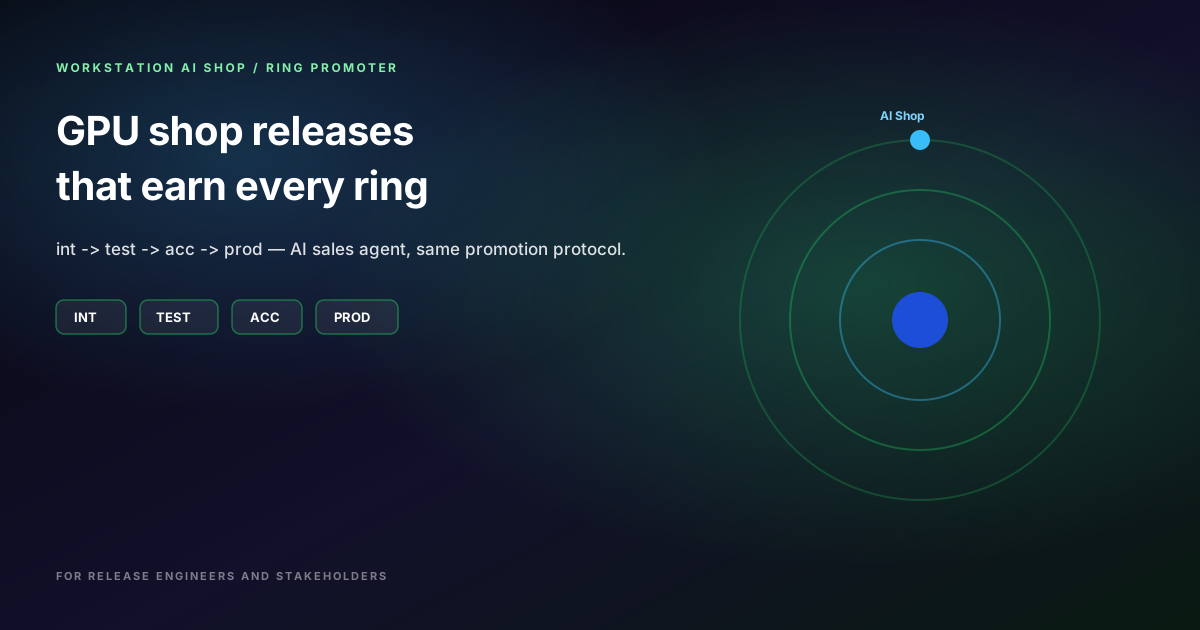
Workstation AI Shop: Promoting the AI Sales Storefront Through int → test → acc → prod
Workstation AI Shop sells GPU machines with a fully autonomous AI Sales Agent that configures the basket. See how Ring Promoter moves each build through int → test → acc → prod — with Orbit screenshots release engineers and stakeholders share.